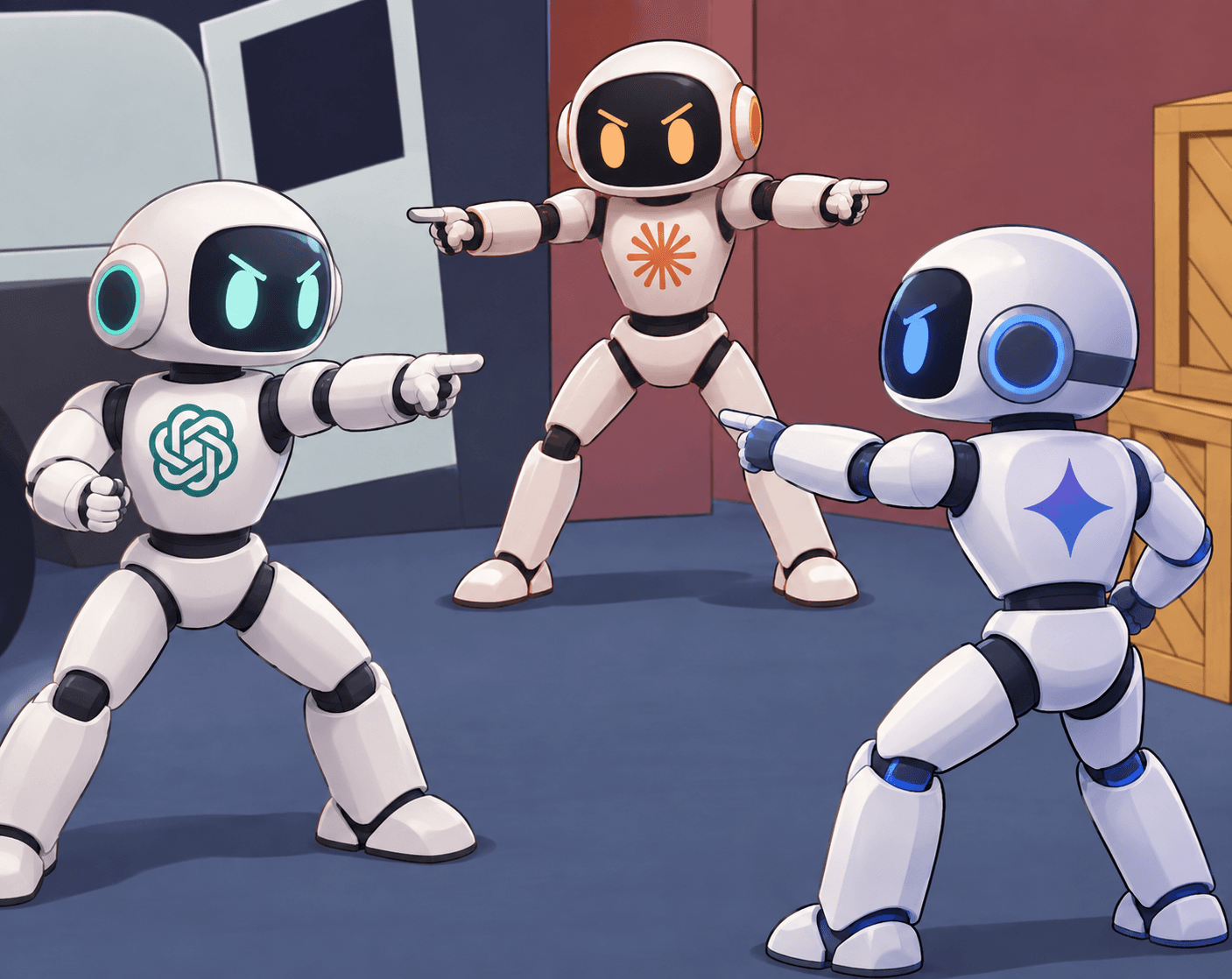
Plenty of people pay for ChatGPT, Claude, and Gemini and still find themselves reaching for only one. All three write, summarize, and code, so it's natural that the differences aren't obvious.
Use them a little more deeply, though, and you run into an interesting scene. Ask ChatGPT "which AI is best at reviewing a long contract?" and it sometimes brings up Claude. Ask Claude "where should I generate images?" and it sometimes points to ChatGPT.
Dozens of comparison reviews end up converging on the same conclusion: don't pick one, split the work.
The reason competitors end up recommending each other is simpler than it seems. The three models aren't tools that do the same job; they're tools that give different kinds of answers to the same question.
For those who haven't compared the three yet, a note: this isn't a post that ranks benchmarks. It looks at where each model is strong and where it breaks down in real work, and therefore which tasks in a company are best handed to which tool.
Why do the same questions get different answers?
People comparing AI for the first time often start by looking up benchmark scores. But a 1-2% difference in score and a difference in the character of the output are separate matters. Benchmarks are the result of having every model take the same test, while real work hands you a different test every time.
The root of the difference lies in the goals of the companies that built the three models. OpenAI has grown ChatGPT into the tool the most people use for the widest variety of tasks. Anthropic designed Claude to follow long contexts all the way through and stay within instructions, and Google chose to weave Gemini into Search and Workspace. Because the goals differ, the same request tends to get a broad, fast answer from ChatGPT, a long, precise answer from Claude, and an answer connected to current information from Gemini.
One more thing to keep in mind: these tendencies aren't a fixed ranking. All three models are updated every few months, so which one leads on any particular feature can change. But where each company puts its weight doesn't change easily, so choosing tools by that direction rather than by individual features holds up longer.
So what actually happens to the output when you hand each model a real task?
ChatGPT: the widest, but not the deepest
If you work in marketing or planning, ChatGPT is probably the first one you opened. Image generation, voice conversation, dozens of third-party app integrations, the GPT Store: the range of things it handles in one place is the widest of the three.
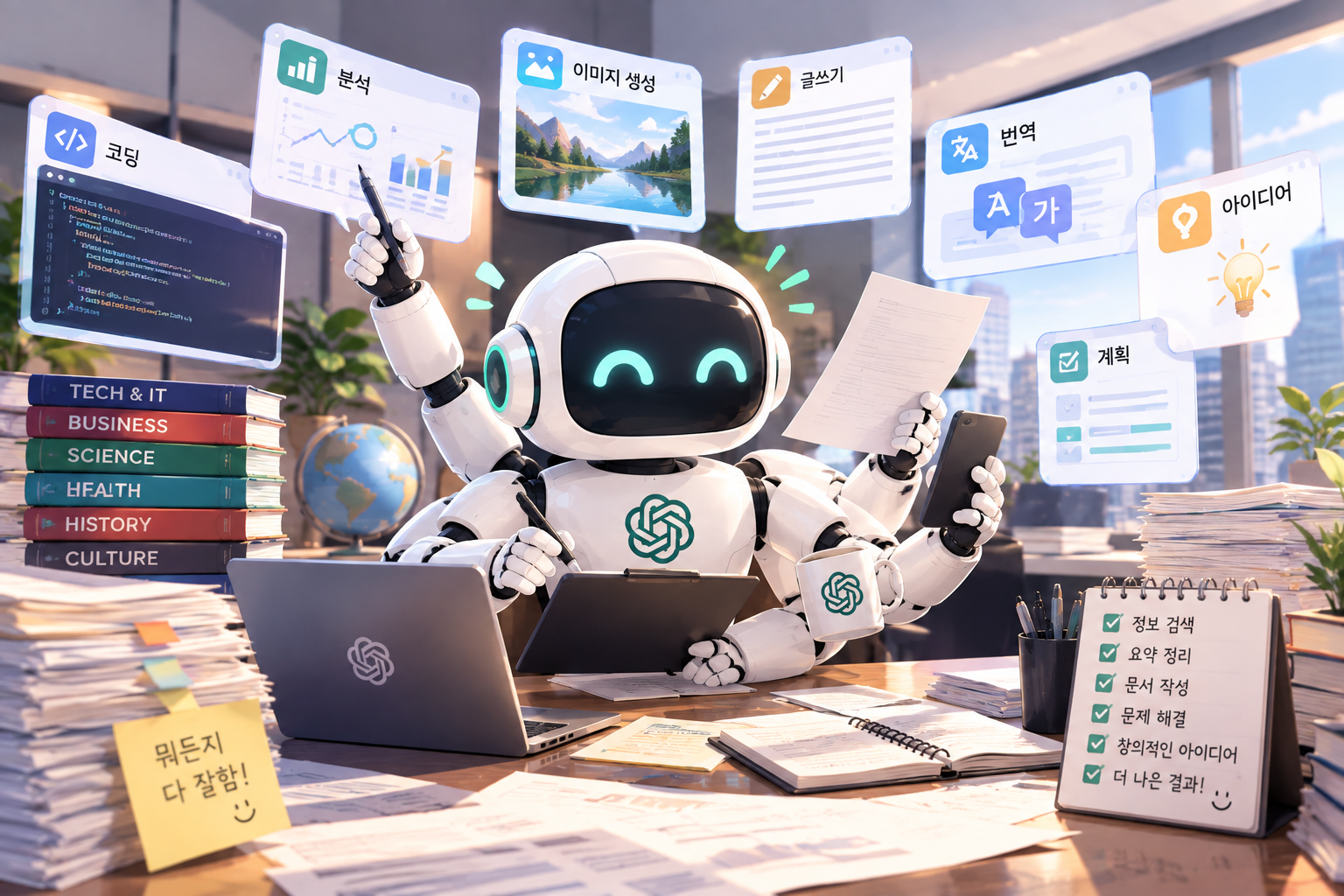
In actual comparison tests, it comes out with the fastest research speed, follows editing instructions for short pieces accurately, and is strong at work that spreads ideas widely, like marketing copy. In particular, being able to produce mockup images for a presentation in the same session is territory the other two can't follow.
The problem shows up when the work gets long. There are reports of it losing the earlier context when given hundreds of pages of documents to analyze, and when asked to write a long report, the tone tends to drift toward the end. A real-world example: you have it review a 30-page proposal, and later on it answers as if it never saw the conditions it flagged at the start. This is exactly the point where ChatGPT brings up Claude instead of itself.
So ChatGPT belongs in the widening stage. It's the fastest tool for gathering ideas, producing several versions of a short phrase, and generating mockups, but when it comes to refining those results into a long document, another pair of hands is often needed.
Claude: the calmest in front of long documents
People who have dropped in an entire contract or report and asked for a review are the first to feel the difference with Claude. There's a comparison in which Claude produced more accurate results when given a PDF of nearly 700 pages and asked to locate the source of a specific clause, and the assessment that its tone stays consistent from beginning to end of a long piece shows up in almost every review. In coding, too, it's frequently mentioned as the one that gets results quickly with fewer instructions.

Staying within instructions also makes a surprisingly large difference in practice. When asked to "keep this phrasing and fix only the rest," Claude tends to hold that line fairly precisely, which often means fewer rounds of revision when you're touching up an already-written document.
In exchange, there are clear things it can't do. It doesn't generate images, it doesn't read video, and it integrates with fewer external apps than ChatGPT. There are also tests showing its research speed is slower than ChatGPT's. Since it concentrates on handling long documents, it can feel sluggish for work that skims quickly and broadly. That's why Claude points you to another tool when you ask it for an image.
Gemini: the fastest for anything inside Google
If your company runs on Gmail, Google Docs, and Sheets, Gemini isn't a tool you install; it's a tool that's already switched on. Summarizing mail and tidying up sheets inside Workspace works immediately at no extra cost, and being connected to Google Search gives it an edge in reflecting current information. It's the only one of the three that can read video directly and analyze its content, and it accepts the largest amount of material in a single pass.
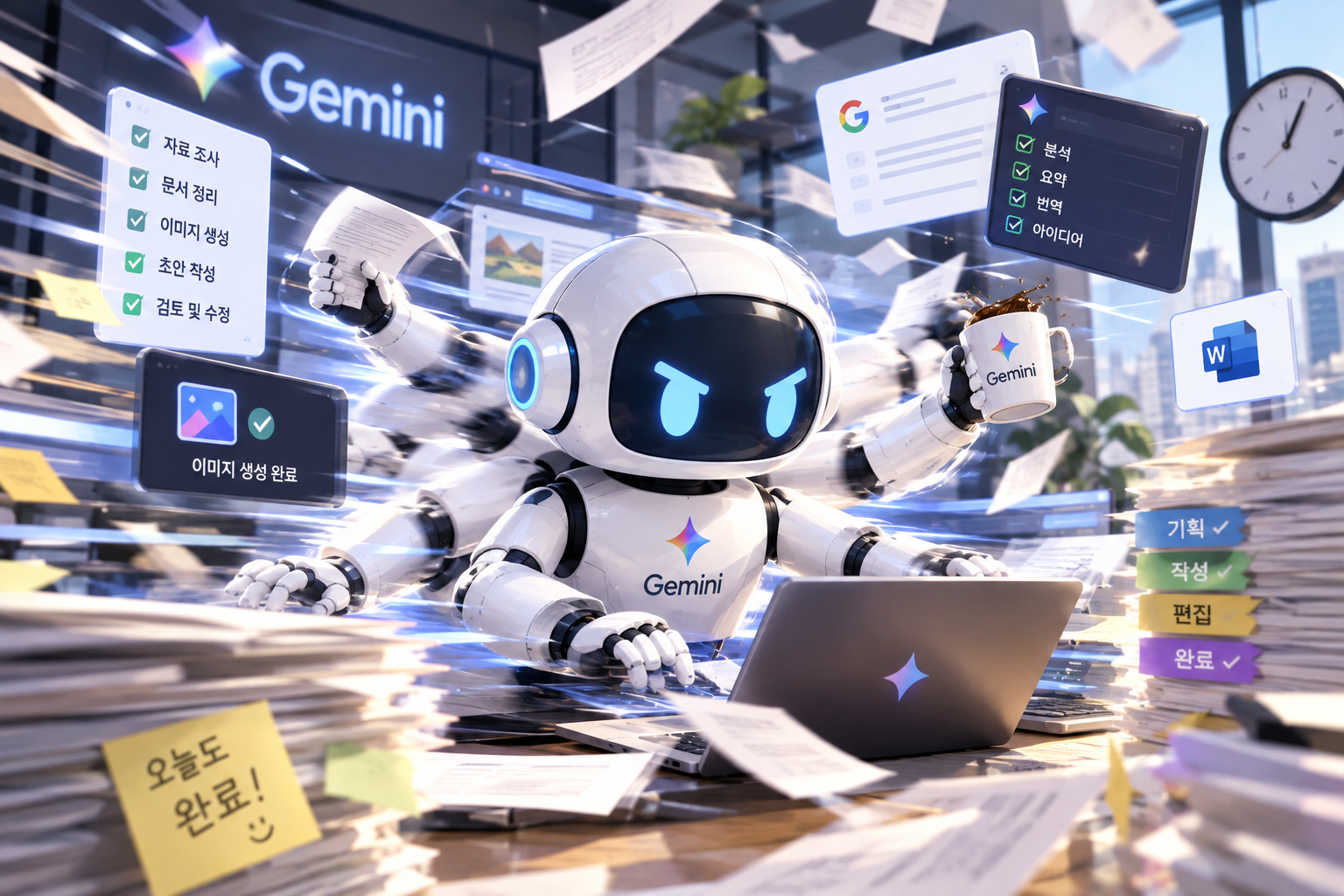
The difference grows especially in data-heavy work. Put data exported from Search Console or Analytics into a sheet, and you can organize and summarize it right there without moving it to another tool. For researching recent trends, having search attached directly also saves time.
On the other hand, when asked to write long-form text, its output tends to come out shorter and flatter than the other two. There are also complaints that its tone shifts within long documents and that results are uneven when it's given complex analysis. It's strong at collecting and organizing material, but once you reach the stage of turning that material into a long deliverable, another tool becomes necessary.
Here's a side-by-side summary of the three models.
| ChatGPT | Claude | Gemini | |
|---|---|---|---|
| Strong at | Brainstorming, editing short text, image generation, fast research | Long document analysis, long-form writing, precise instruction following, code | Google Workspace tasks, current information, video and large-volume material |
| Weak at | Maintaining context in long documents | Images and video, third-party app integrations | Long-form writing, complex analysis |
| Where it brings up another model | Long document review | Image generation | Long report writing |
So how should you divide the work in an actual company?
So how should our company split the work?
Many companies try to handle every task with a single AI. Standardizing on one familiar tool is easier to manage. But switching tools by the nature of the task is often better for both the quality of the output and the time it takes. We recommend dividing work into "the widening stage," "the refining stage," and "the data stage," and handing each to a different tool.
For general office work
| Task | Recommendation | Why |
|---|---|---|
| Reviewing contracts, proposals, and reports | Claude | Doesn't lose context in long documents |
| Meeting notes and email drafts | Claude or Gemini | Tone consistency (Claude), Gmail integration (Gemini) |
| Brainstorming for planning documents | ChatGPT | Quickly produces a wide range of options |
| Presentation images and mockups | ChatGPT | Can generate images |
| Organizing and analyzing spreadsheets | Gemini | Works directly inside Google Sheets |
| Researching recent trends | Gemini or ChatGPT | Search integration, research speed |
For example, if you're putting together a plan for a new service, the flow would be: use ChatGPT to generate around ten directions, pick one and hand it to Claude to refine into a report, then organize the supporting data in a sheet with Gemini. The output usually comes out more even than when a single tool handles everything from start to finish.
For SEO/GEO work
| Task | Recommendation | Why |
|---|---|---|
| Keyword research and search intent classification | ChatGPT or Gemini | Fast divergence, current search data |
| Competitor page analysis | Claude | Drop in several full pages and compare |
| Drafting long-form content | Claude | Maintains tone and structure in long text |
| Generating many meta descriptions and titles | ChatGPT | Produces short phrases in bulk variations |
| Organizing Search Console and Analytics data | Gemini | Spreadsheet integration |
| Technical SEO code fixes | Claude | Accuracy in code work |
SEO work breaks down along the same lines. ChatGPT or Gemini is fast at the stage of gathering keyword candidates broadly, and Claude is stable at the stage of dropping in several competitor pages at once and comparing their structure. Writing a long content draft based on that analysis is also where Claude holds its tone, and when it comes to organizing Search Console data after publishing, Gemini becomes convenient again.
But this table is only a starting point. Even for the same "content draft," a blog post and a service page demand different things, and even for the same "data organization," the right tool changes depending on which metrics you're looking at. Deciding which task goes to which tool at which stage is itself work design, and without that design, most companies that pay for all three end up using only the one they're used to.
Closing
ChatGPT and Claude recommend each other not out of modesty, but because each knows what it can't do. ChatGPT is broad and fast, Claude is long and precise, and Gemini is closest to everything inside Google. It's not a structure where one replaces the rest; it's one where you split the work and hand each piece to the right tool.
If you're using only one AI right now, there's a good chance you're still handing it the tasks it's weak at. If you're wondering which work to hand to which AI, and especially at which stage to bring AI into SEO and GEO work for it to pay off, take a look at how 238LAB actually uses AI in its consulting in "How to Use AI for SEO/GEO."